AR Basketball Shooter

Scan your floor, place a virtual hoop in your room and flick the screen to shoot. An Augmented Reality game for Android made with Unity 6, AR Foundation and ARCore.

The browser and Windows versions use a virtual court, because only phones have ARCore. The real AR needs an ARCore-supported Android phone.

On the phone (AR)

The hoop placed on a detected floor
Hoop placed on the floor
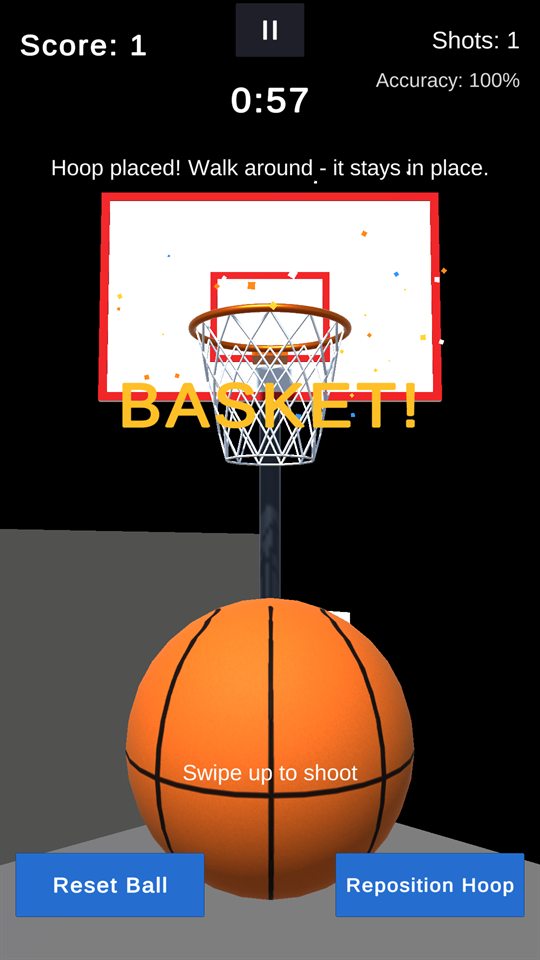
A basket with confetti and a SWISH message
Swish! Confetti and sound
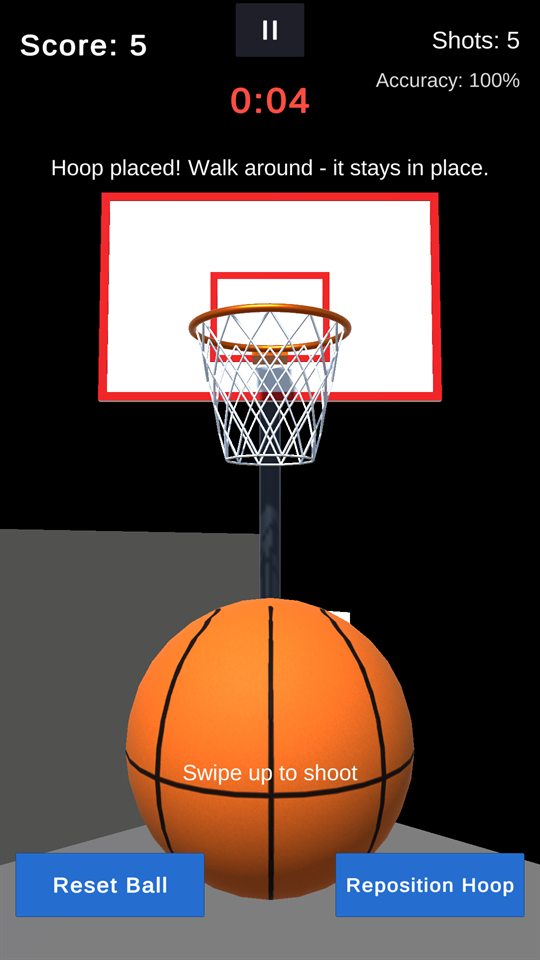
The 60 second challenge timer in its last seconds
60-second challenge
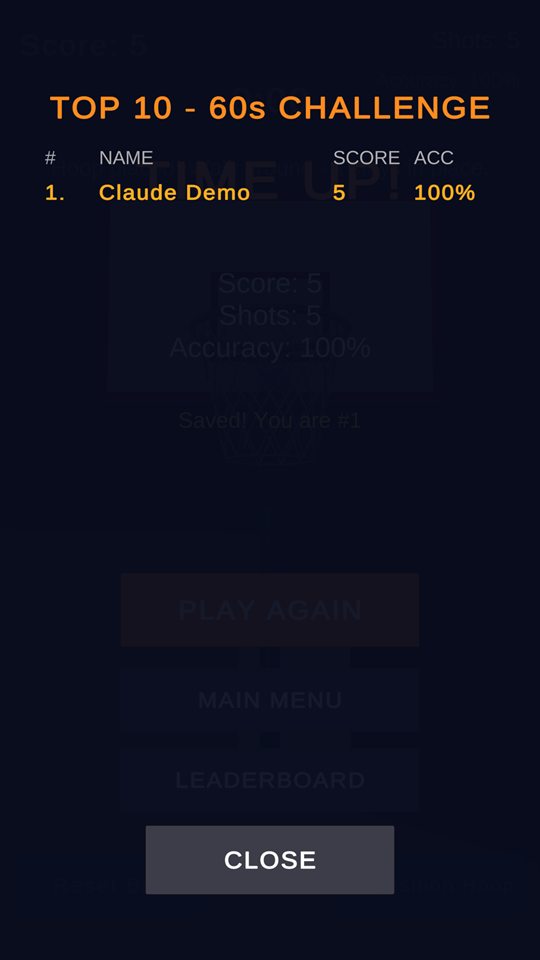
The local top-10 leaderboard
Local top-10 leaderboard

Screenshots from the Unity Editor's XR Simulation, which simulates a room for testing AR without a phone.

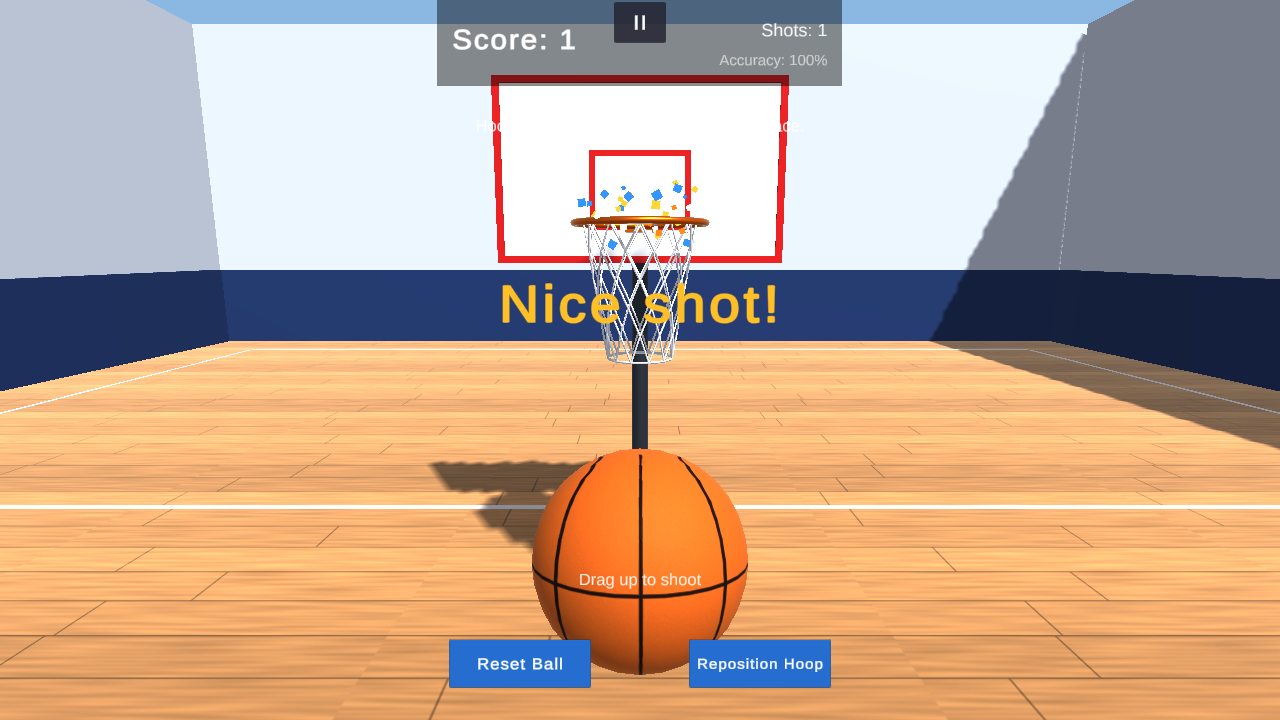
On a laptop or in the browser (virtual court)

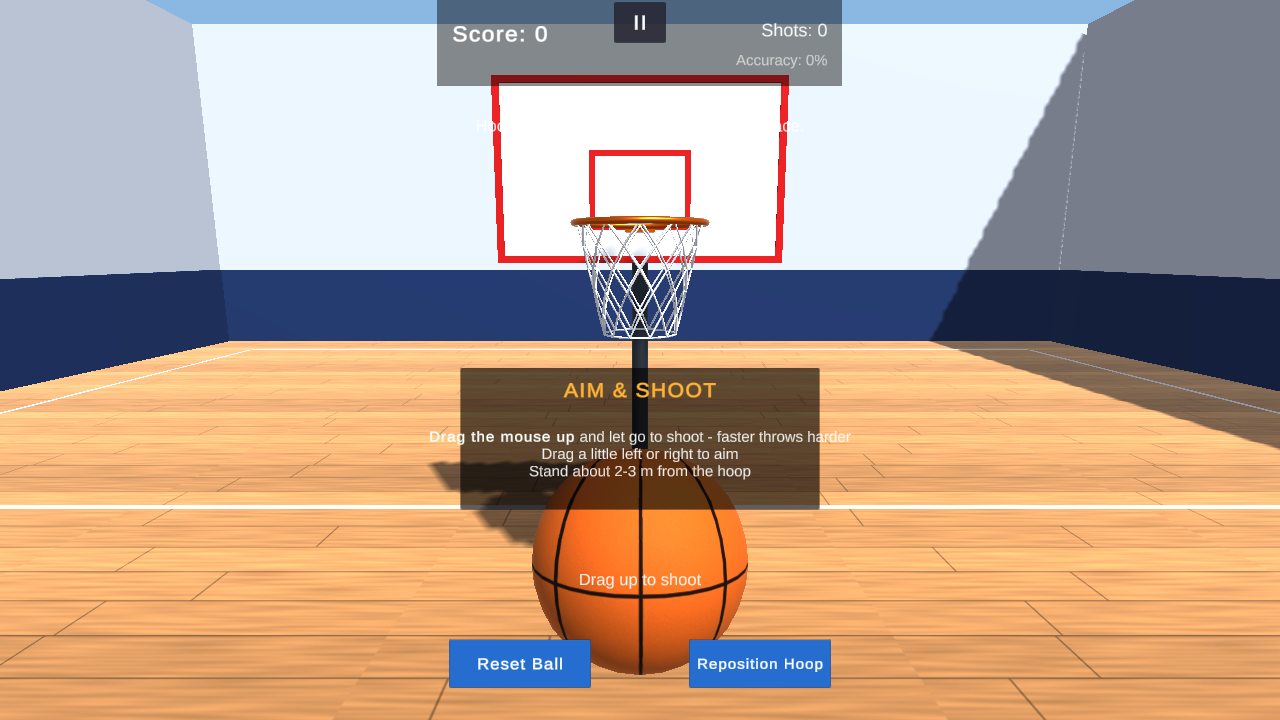
The hoop on a wooden virtual court A basket on the virtual court with a Nice shot message

Features

AR plane detection

Finds horizontal surfaces, shows a placement ring, tap to place. The hoop is held by an AR anchor and can be repositioned.

Real-size physics

0.24 m, 0.6 kg ball, 0.45 m rim, realistic bounces, backspin and continuous collision detection.

Swipe shooting

Flick speed sets the power and a sideways flick aims. Impulse force is clamped, one shot per swipe, with adjustable aim assist.

Fair scoring

A ball must enter the rim from above and leave below. It scores once; rim and backboard touches never count.

60 s challenge

Countdown, beeps and buzzer, buzzer beaters, results screen and a local top-10 leaderboard with names.

Sound & effects

Surface-based 3D impact sounds, swish and chime, confetti, net stretch, vibration and animated buttons.

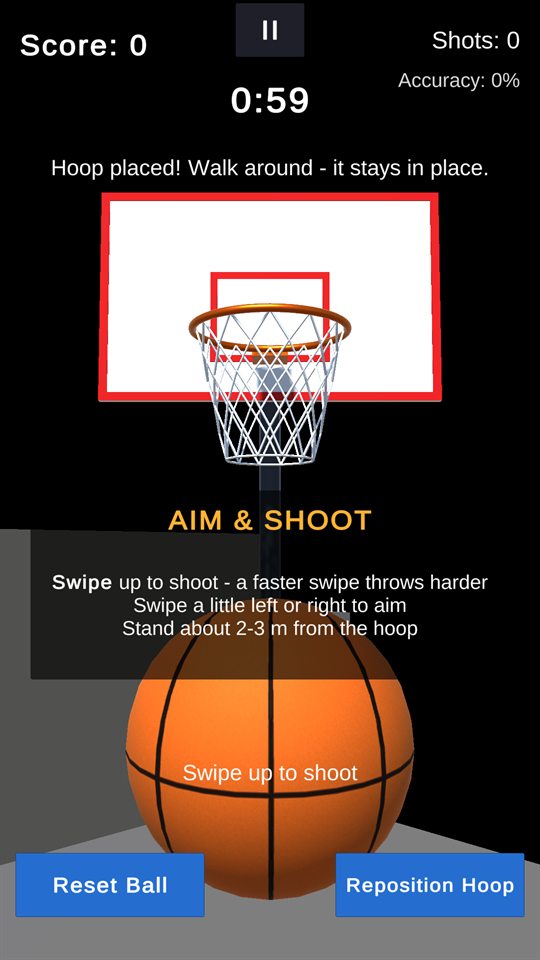
How to play

Phone (AR)

  1. Install the APK and allow the camera.
  2. Press FREE PLAY or 60s CHALLENGE.
  3. Move the phone slowly over the floor until a grid appears, then tap to place the hoop.
  4. Step back 2–3 m and swipe up to shoot.

Browser / laptop

  1. Press FREE PLAY or 60s CHALLENGE.
  2. Hold the right mouse button and drag to look; walk with WASD.
  3. Click the floor to place the hoop.
  4. Drag the mouse up and let go to shoot. Esc pauses.

Built with

EngineUnity 6 (6000.6), Universal Render Pipeline
ARAR Foundation 6.6 + Google ARCore XR Plugin 6.6
Input & UIInput System (touch and mouse through one Pointer), uGUI + TextMeshPro
LanguageC#, event-driven scripts (placement, spawning, shooting, scoring, game states, UI, audio)
TestsUnity Test Framework: 200+ EditMode and 8 PlayMode tests
PlatformsAndroid 8.0+ (ARCore phones), Windows 10/11, WebGL 2 browsers